Introduction to Super Bomber Kit
Here you'll find everything you need to know to create your own bomb-dropping game!
What's the Super Bomber Kit
The Super Bomber Kit is a Unity 2D bomb-dropping game starter Kit, available on the Unity Asset Store. Its controller is based on default unity physics. It was designed to be as intuitive as possible. This is not an engine like the Corgi engine, as it was not designed to be highly configurable so that you can create games without having to edit code. Making it highly configurable would make the code very bloated. Although it has a certain level of tweak we focus on keeping the code lean and easy to modify.
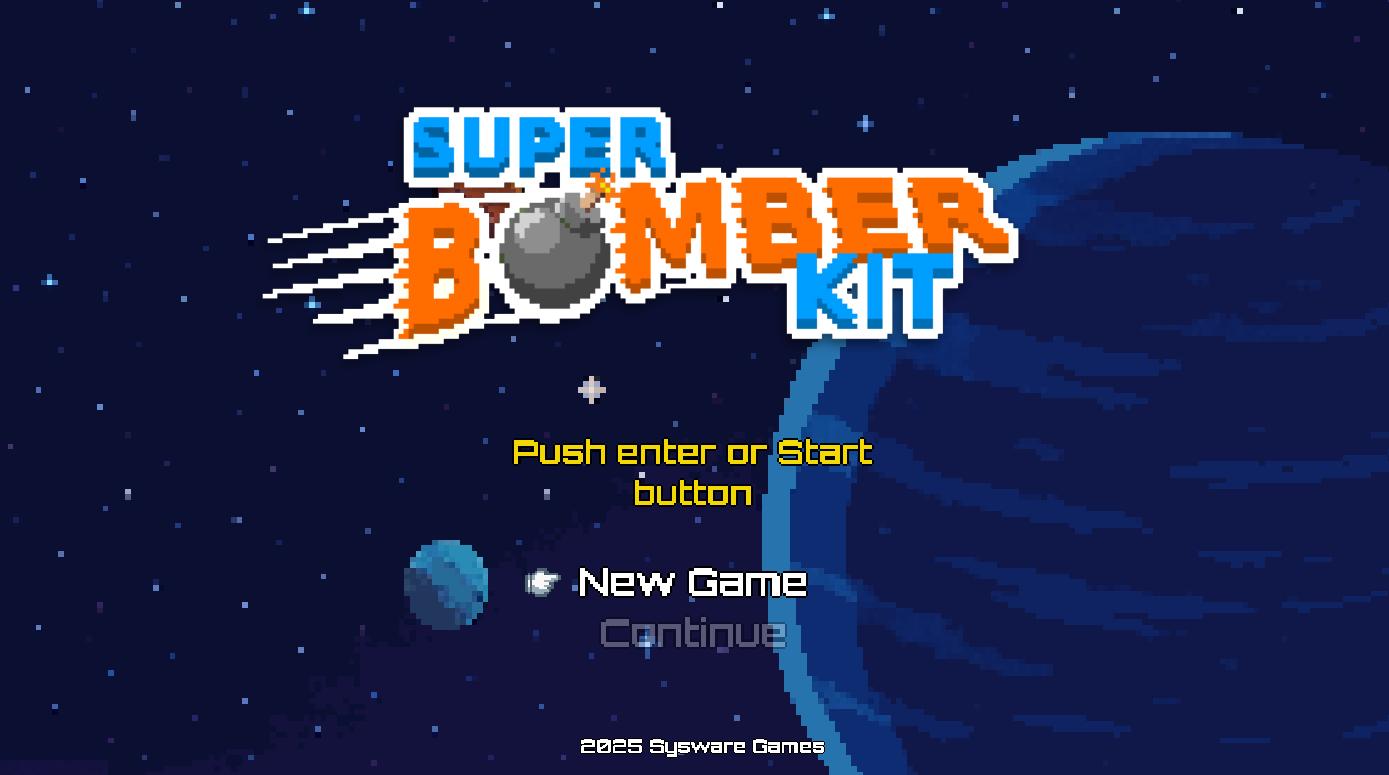
Demo
Play our webGL demo here
What’s the best way to update from an old version?
No matter what, ensure you have a commit or backup to revert to in case any issues arise. Next, delete the old bomber-kit folder and import the new one. If you skip this step, the Asset Store importer might cause script duplication, leaving old files behind, and so on. Depending on the version you're updating from and to, you might need to make some minor changes to your code. Be sure to review the release notes to understand what has changed and what could affect your project.
Where do I start ?
To start, you don’t need to go through all the documentation. The engine follows Unity's best practices and includes helpful guidance through tooltips and help boxes. If you’ve worked on Unity projects before, you’ll likely find your way around without much trouble. Of course, you can always refer back to this documentation if something isn’t clear.
That being said, you can use the menu on the left to navigate to specific sections. This documentation is task-oriented, but for detailed questions about the code, it’s better to check the API documentation or the comments within the code itself, which usually address most common queries.
If you’re still stuck after that, feel free to reach out via the support email provided on the Asset’s page.